
Manhattan’s Trusted Computer Repair Expert
Computer Repair Manhattan – Fast & Reliable Same-Day Service
Computer repair Manhattan services from JohnFixesIT provide same-day support for PCs, Macs, laptops, virus removal, data recovery, screen repair, and on-site troubleshooting across NYC.
✅ Same-Day Service
✅ No Fix, No Fee
✅ 7 Days a Week
✅ All Manhattan Neighborhoods
“Fixed my laptop same day — incredible service!” – Chelsea resident
Years in NYC
Repairs Completed
Service Warranty
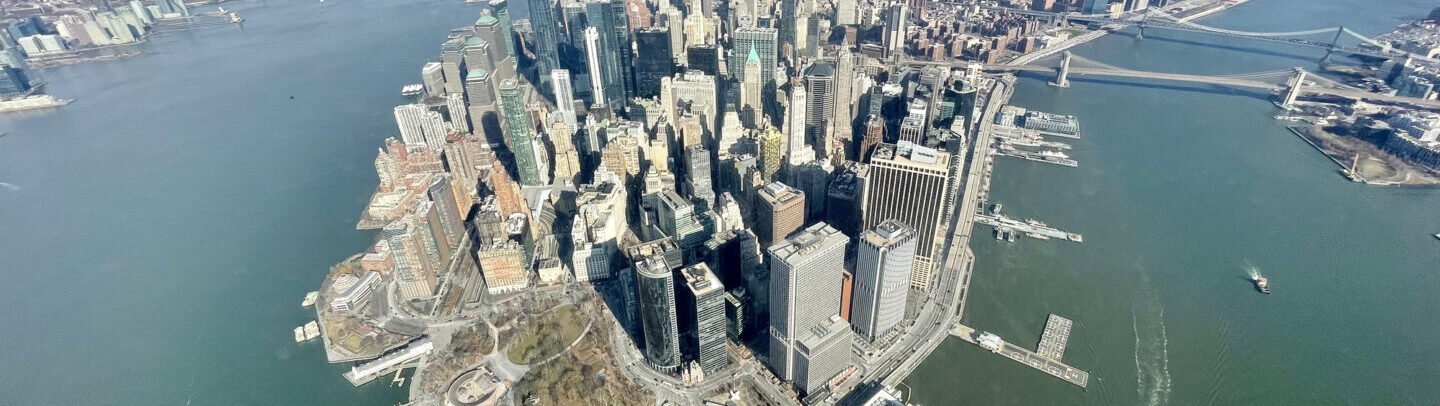
Computer Repair Manhattan Services
Expert Manhattan computer repair for every device — on-site at your home or office.
Laptop Screen Repair Manhattan
Cracked or dead screens replaced fast — laptops & desktops.
Virus Removal Manhattan
Full malware removal, system cleanup & security hardening.
Data Recovery Manhattan
Recover lost files from failed drives — No data, no fee.
Slow Computer Repair
RAM upgrades, SSD installs & system optimization.
PC Repair Manhattan
Keyboards, batteries, fans, ports & motherboard repair.
Mac Repair Manhattan
Apple Mac, Dell, HP, Lenovo, ASUS & all brands.
Why Manhattan Clients Choose JohnFixesIT
What Manhattan Clients Are Saying
“My MacBook Pro had a dead screen and JohnFixesIT had it fixed same-day.”
— Sarah K., Midtown Manhattan
“Brought my Windows laptop in with a nasty virus. Unreal service.”
— Marcus T., Upper West Side
“Best computer repair experience in Manhattan. Fair pricing, no BS.”
— Alex R., Chelsea
Book Your Computer Repair Manhattan Service Today
Don’t let a broken computer derail your productivity. Same-day scheduling available 7 days a week.
About Our Computer Repair Manhattan Service
JohnFixesIT provides computer repair Manhattan customers can rely on for fast response, honest diagnostics, and professional repairs. Whether you need PC repair Manhattan support, Mac repair Manhattan help, virus removal, data recovery, or hardware troubleshooting, we fix the issue quickly and clearly.
Our Manhattan computer repair service is built for busy homes, freelancers, and offices that need same-day help without confusing pricing or unnecessary upsells.
Hardware & Software Repairs We Handle
Computer Brands We Repair in Manhattan
JohnFixesIT services all major PC and Mac brands across Manhattan.
PC brands: Dell, HP, Lenovo, ASUS, Acer, Microsoft Surface, Samsung Galaxy Book, and custom-built desktops.
Apple Mac: MacBook Air, MacBook Pro, iMac, Mac Mini, Mac Studio, and Mac Pro.
Manhattan Neighborhoods We Serve
Upper West Side
Upper East Side
Chelsea
Hell’s Kitchen
Tribeca
SoHo
Financial District
Harlem
Washington Heights
Frequently Asked Questions – Computer Repair Manhattan
Computer Repair Manhattan – NYC Tech Tips
- Keep your operating system and software updated.
- Use a surge protector in Manhattan apartments.
- Back up your data weekly.
- Clean your laptop vents regularly.
- Use reputable antivirus software.
Helpful Resources:
For official device support, visit Apple Support or Microsoft Windows Support.
Related Services: Laptop Repair NYC | Mac Support NYC | Virus Removal Manhattan | Data Recovery NYC | Slow Computer Fix NYC | IT Support Manhattan