RIDGEWOOD • QUEENS NYC • HOME & SMALL BUSINESS IT HELP
IT Support Ridgewood NYC – Fast Tech Help for Homes & Small Businesses
Need IT Support Ridgewood NYC? Around Myrtle Avenue, Fresh Pond Road and Seneca Avenue, JohnFixesIT helps residents and small businesses solve slow computers, WiFi problems, Microsoft 365 and email issues, printer failures and daily technology headaches. Start remotely when practical, or ask about a scheduled on-site appointment when hands-on support is needed.
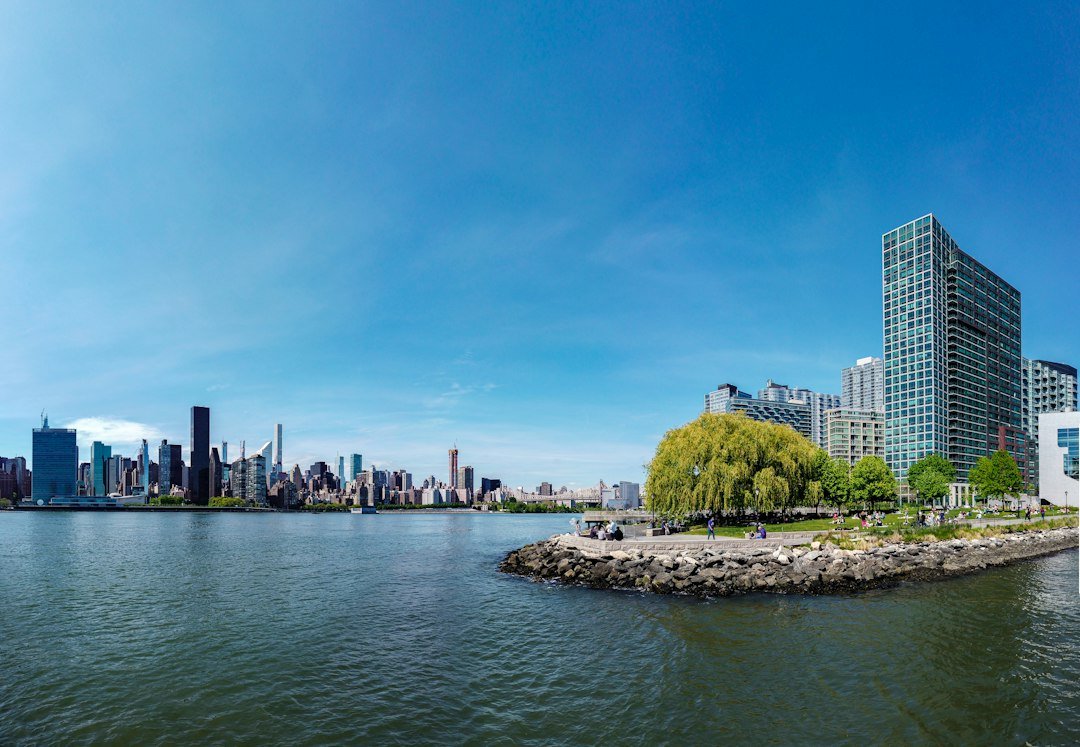
IT Support Ridgewood NYC — Computer, WiFi & Business Services
Ridgewood rowhouses, apartments and creative small businesses rely on networked printers, wireless connections and cloud tools. Practical support for everyday users, home offices and small businesses.
Computer & Laptop Troubleshooting
Slow Mac and Windows computers, software errors, failed updates and everyday PC problems.
Computer and laptop repair →WiFi & Network Support
WiFi dead zones, router setup, disconnections, wireless interference and shared network issues.
WiFi setup & support →Microsoft 365 & Outlook
Outlook errors, Microsoft 365 sign-ins, Teams, OneDrive syncing and cloud-file access.
Microsoft 365 help →Printer & Office Setup
Connected printers, scanners, docking stations, video-call equipment and workplace setup.
Printer setup & repair →Malware & Account Security
Suspicious browser behavior, pop-ups, MFA and basic computer security troubleshooting.
Virus & malware help →Backups & File Recovery
Backup planning, cloud storage issues, missing files and practical data recovery support.
File recovery help →Why Ridgewood Clients Choose JohnFixesIT
Start with remote diagnosis where practical, saving an unnecessary trip for issues solved online.
On-site help can be arranged for apartments, small offices, and workspaces when the job requires it.
No outsourced help desk. Explain your issue to the person working on the solution.
Understand the recommended work and expected cost before any paid service begins.
Support for MFA, safer device settings, email security, backups, and basic account hygiene.
Get help with a particular problem or project without signing up for managed IT services.
Common Ridgewood Technology Problems We Help Solve
Examples of local technology situations that can be diagnosed; not claims about individual customer jobs.
WiFi in apartments and rowhouses
Homes and workspaces around Myrtle Avenue may deal with weak signals, wireless interference or devices that disconnect unexpectedly. I check router placement, configuration and whether the trouble comes from WiFi or the internet service.
Small-business Microsoft 365 problems
Near Fresh Pond Road, small teams may rely on Outlook, cloud files and shared printers. I troubleshoot the affected accounts, network connections and office devices before recommending costly changes.
Slow laptops and connected peripherals
For residents near Seneca Avenue, slow laptops, failed updates or a computer that will not connect to a printer can interrupt work. I review device settings, storage, software and hardware symptoms to suggest a practical next step.
Book IT Support Ridgewood NYC
Tell John what’s happening with your computer, WiFi, email or office setup in Ridgewood. We’ll identify an appropriate next step, discuss remote or on-site options, and explain pricing before work begins.
REQUEST IT HELPRemote first when possible • On-site by appointment • Same-day availability varies
About IT Support Ridgewood NYC with JohnFixesIT
Ridgewood rowhouses, apartments and creative small businesses rely on networked printers, wireless connections and cloud tools. Ridgewood is part of Queens, where residents, small teams and independent professionals depend on computers, home WiFi, printers and cloud services. A failed account login or slow workstation can interrupt an important day, so my troubleshooting focuses on understanding what changed and how the devices connect.
JohnFixesIT provides direct, remote-first IT support for Ridgewood and nearby NYC neighborhoods. I can help with slow Mac or Windows computers, Outlook, Microsoft 365, WiFi, printer issues, backups and practical account security. When a problem needs physical equipment access, we can discuss an on-site appointment. The proposed scope and price are confirmed before paid work begins.
For Ridgewood Residents & Remote Workers
- Slow Mac and Windows laptops
- Home WiFi and router problems
- Printers, displays and home-office devices
- Email, cloud files and backup guidance
For Ridgewood Small Businesses
- Microsoft 365, Outlook and shared accounts
- Connected printers and office networks
- Workstation setup and basic security
- Remote access and backup questions
Ridgewood NYC Areas We Serve
IT Support Ridgewood NYC is available for homes and small businesses around Myrtle Avenue, Fresh Pond Road, Seneca Avenue and nearby streets. Remote support is offered when practical and on-site assistance by appointment.
Not sure whether your address is covered? Contact John and describe the issue. See more Queens IT Support or neighboring areas such as Astoria · Long Island City.
How Ridgewood IT Support Works
Describe the Issue
Tell John what stopped working, your Ridgewood neighborhood, and whether this is a home or business setup.
Choose Remote or On-Site
We discuss whether secure remote help is appropriate or whether the issue needs a scheduled visit.
Approve Before Work Starts
Review the proposed next steps and pricing first. Then troubleshooting or setup can begin.
Frequently Asked Questions – IT Support Ridgewood NYC
Do you offer same-day IT support in Ridgewood, NYC?
Can you come to my Ridgewood home or office?
What does IT Support Ridgewood NYC cost?
Can you help with WiFi problems in Ridgewood?
Do you support Mac, Windows and Microsoft 365 in Ridgewood?
Do I need a monthly IT support contract?
Practical Tech Tips for Ridgewood Home Offices & Small Teams
More Queens IT support locations: Rego Park IT support · Forest Hills IT support · Long Island City IT support · Astoria IT support · Jackson Heights IT support. Explore neighborhood guides for remote computer, WiFi, printer and small-business assistance.
Helpful resources: CISA online safety guidance · Microsoft 365 Support.
Related services: Queens IT Support · WiFi Setup NYC · Laptop Repair NYC · Business IT Support · About John · Contact John.